
Working from home has become a regular part of life for many. Whether you’re freelancing, managing a business, or attending virtual meetings, having a productive home workspace is essential. The right setup can improve focus, minimize distractions, and make your workday more enjoyable.
In this post, we’ll share actionable tips to help you create a home office that promotes productivity and well-being.
Choose the Right Location
Finding the perfect spot in your home is the foundation of a productive workspace.
– Quiet and Private: Pick a place away from household noise or foot traffic to reduce distractions.
– Natural Light: Position your desk near windows if possible. Natural light can boost your mood and help reduce eye strain.
– Adequate Space: Ensure there’s enough room for your desk, chair, and any equipment or supplies you need without feeling cramped.
If space is limited, consider using room dividers or noise-cancelling headphones to carve out a focused area.
Invest in Comfortable and Functional Furniture
Your furniture choices directly impact your comfort and productivity.
– Ergonomic Chair: Choose a chair that supports your back and encourages good posture.
– Proper Desk: Select a desk at the right height to avoid strain. Adjustable desks that allow you to switch between sitting and standing are a plus.
– Organizational Tools: Use shelves, drawers, and desk organizers to keep your workspace tidy and clutter-free.
Comfortable furniture helps prevent fatigue and keeps you focused longer.
Optimize Lighting
Lighting affects not only how well you see but also your energy levels.
– Mix Natural and Artificial Light: Combine daylight with adjustable desk lamps or overhead lighting.
– Avoid Glare: Position screens perpendicular to windows to minimize reflections.
– Choose the Right Bulbs: Use bulbs with a color temperature between 4000K and 5000K for balanced, neutral light that mimics daylight.
Good lighting reduces eye strain and can improve your mood throughout the day.
Minimize Distractions
Staying focused at home may require extra effort to manage distractions.
– Set Clear Boundaries: Let family or housemates know your work hours and when you shouldn’t be disturbed.
– Turn Off Notifications: Silence non-essential phone and computer notifications during work periods.
– Keep Only Work-Related Items Nearby: Reduce clutter by having only what you need for your current tasks visible.
Using noise-cancelling headphones or background music can help maintain concentration.
Organize Cables and Equipment
A cluttered desk often means a cluttered mind.
– Use Cable Management: Cable clips, sleeves, or trays keep cords neat and out of the way.
– Designate Storage for Small Items: Keep pens, sticky notes, and other supplies in dedicated containers.
– Maintain Your Devices: Regularly clean and update your computer and peripherals to prevent technical interruptions.
A well-organized workspace supports efficiency and reduces frustration.
Personalize Your Space Thoughtfully
Adding personal touches can make your workspace more inviting and inspire creativity.
– Add Plants: Small greenery can improve air quality and create a calming atmosphere.
– Display Inspirational Items: Photos, artwork, or motivational quotes can boost your mood.
– Choose Soothing Colors: Soft and neutral colors tend to promote focus; avoid overly bright or distracting hues.
Balance personalization with simplicity to maintain a professional environment.
Establish a Routine and Keep It Consistent
A productive workspace is part of a productive habit.
– Set Work Hours: Define when you start and finish work to create structure.
– Take Regular Breaks: Short breaks help avoid burnout and maintain energy levels.
– Keep Your Workspace Clean: Spend a few minutes at the end of each day tidying to start fresh the next morning.
Consistent routines make it easier to concentrate and separate work from personal life.
Use Technology Wisely
Leverage helpful tools to stay organized and connected without getting overwhelmed.
– Project Management Apps: Tools like Trello or Asana help track tasks and deadlines.
– Communication Platforms: Stay connected with colleagues using apps like Zoom or Slack.
– Focus Aids: Apps like Pomodoro timers can encourage productive work intervals.
Be mindful not to let technology become a source of distraction.
—
Creating a productive home workspace involves thoughtful planning and ongoing care. By choosing the right location, investing in comfort, managing distractions, and personalizing your area, you set the stage for effective, enjoyable workdays. Try out these tips and adjust as needed to build a space that works best for you.
Related Posts
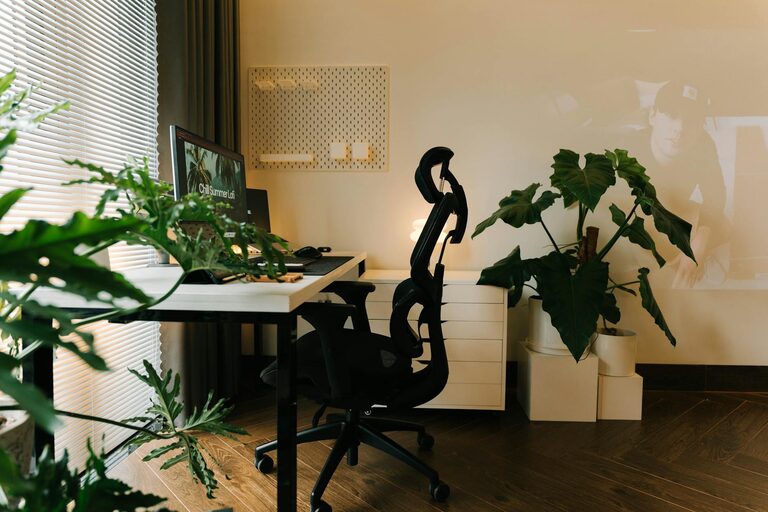
Tips for Creating a Cozy and Inviting Home Workspace
Creating a comfortable and inviting home workspace is key to…
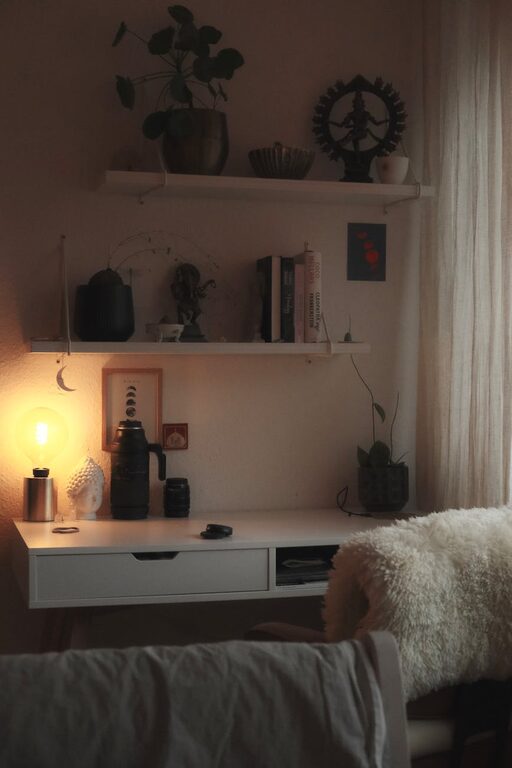
Tips for Creating a Relaxing Home Workspace to Boost Productivity
Creating a comfortable and relaxing workspace at home is essential…
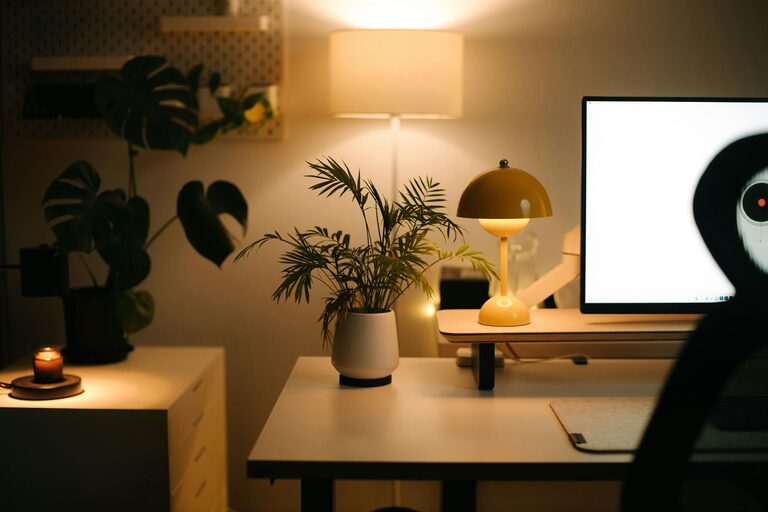
Tips for Creating a Cozy and Productive Home Office Space
Creating a home office that is both cozy and productive…